CCLEE Toolkit — WooCommerce
后台路径:CCLEE Toolkit → WooCommerce
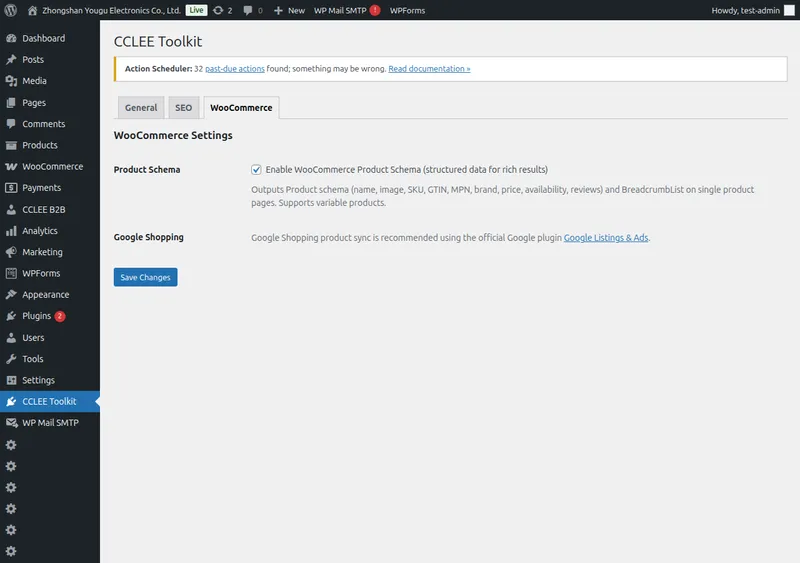
Product Schema
勾选 启用 WooCommerce Product Schema 开启(默认开启)。
开启后,所有 WooCommerce 产品页自动输出 Product 结构化数据到 <head>。
输出内容
| Schema 字段 | 说明 |
|---|---|
| name | 产品标题 |
| image | 特色图 |
| description | 产品描述 |
| sku | SKU |
| gtin | GTIN(若有) |
| mpn | MPN(若有) |
| brand | 品牌(若有) |
| offers | 价格、库存、商家信息 |
| aggregateRating | 评分和评价数(若有) |
| BreadcrumbList | 路径:首页 > 分类 > 产品 |
变额产品: 输出 AggregateOffer,包含价格区间(最低价~最高价)和 offer 数量。
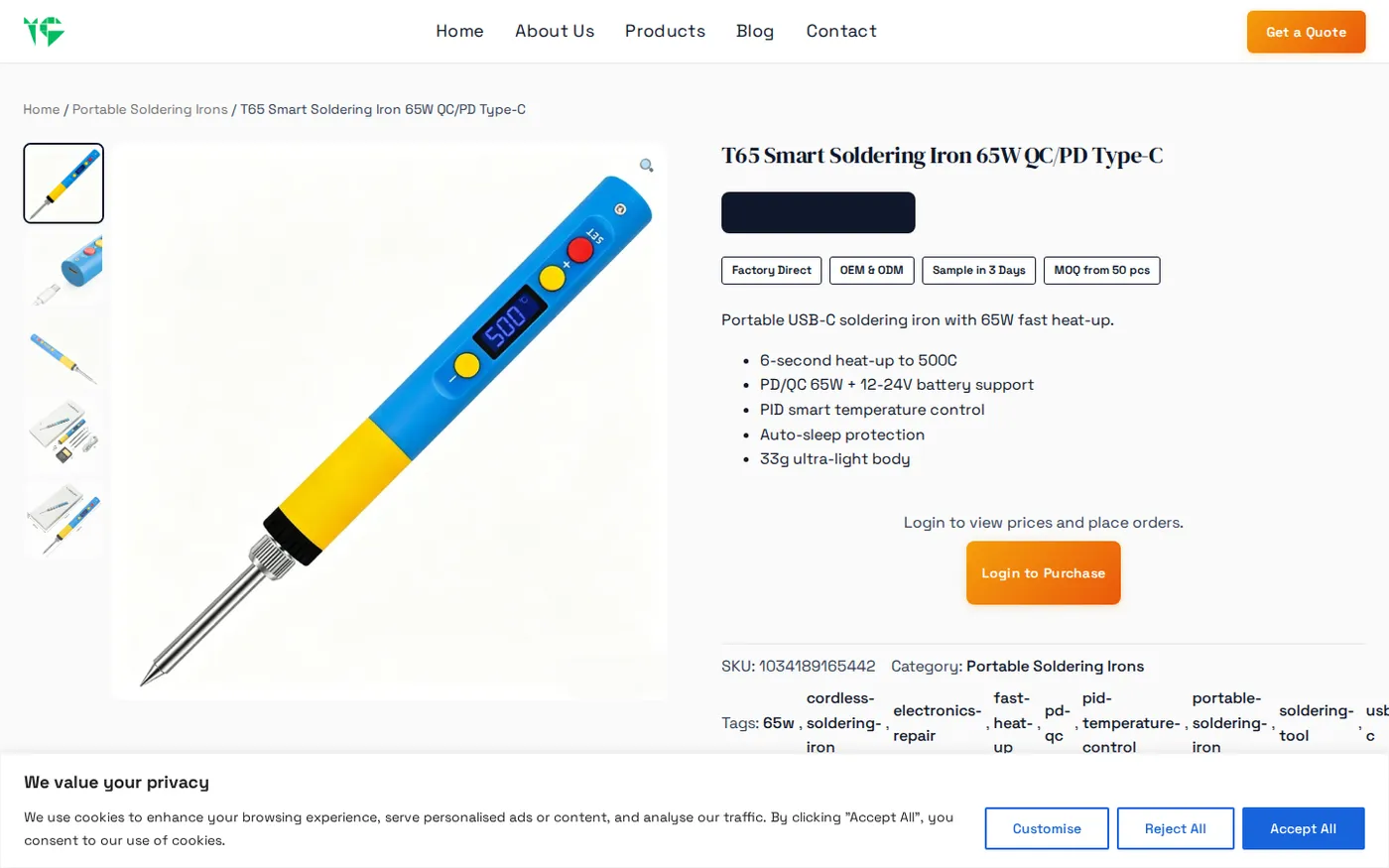
验证方法
验证 Product Schema
- 访问任意 WooCommerce 产品页
- 右键 → 查看页面源代码,搜索
<script type="application/ld+json"> - 确认 JSON 中包含
"@type":"Product"
与 SEO Tab 的关系
Product Schema 输出依赖 SEO Enhancer 总开关(SEO Tab)。
SEO 总开关关闭时,即使 WooCommerce Tab 勾选,Product Schema 也不会输出。
常见问题
产品页没有输出 Schema?
- 确认 SEO Enhancer(SEO Tab)已开启
- 确认 WooCommerce Product Schema 已勾选
- 若使用缓存插件,清除缓存后重试
结构化数据在 Google 检测工具中报错?
检查产品是否填写了 SKU、GTIN 等字段,未填写的字段不会出现在 Schema 中,这是正常行为。
评分和评价没显示?
确保产品已有 WooCommerce 内置评价功能,且 Average Rating > 0。聚合评分字段仅在有评价时输出。